Carmenta

3 Installments for Advance Price

Fast Shipping

X8 Ultra Support

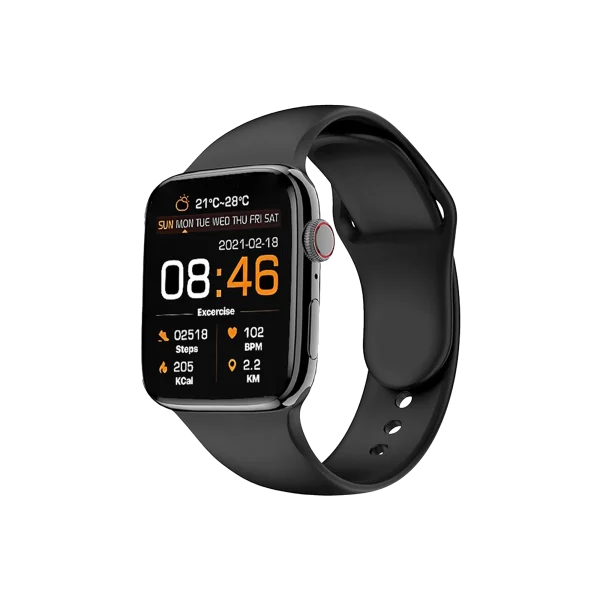
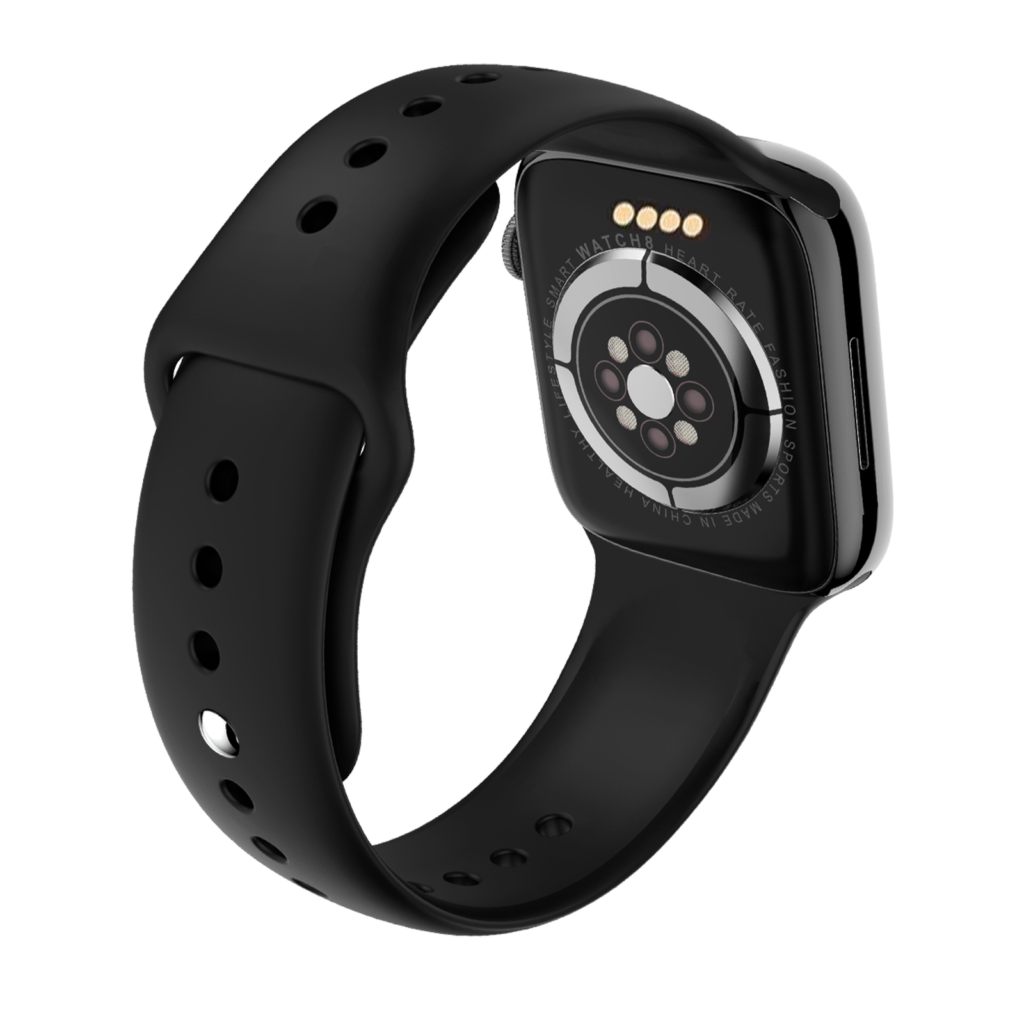
Carmenta smart watch x8 ultra

How to pair the X8 Ultra with your phone?

  1. Download the VBand application from your phone’s store application.

  2. After downloading, open the application and give all necessary permissions.

  3. Enter the “My Watch” tab from the sub tabs of the VBand application and give the necessary permissions again.

  4. Start the device search by clicking Add device.

  5. Click on the X8 Ultra name in the list and the installation is complete after the successful device installation appears.

The installation of X8 Ultra is shown practically in the next installation video.

How to connect the X8 Ultra Voice Call?

  1. First, open the menu by swiping your watch screen from top to bottom.

  2. Activate the bluetooth icon from the menu.

  3. Activate bluetooth on your phone. Select the “X8 Ultra Audio” link from the Devices section to complete the setup.

The next setup video shows the X8 Ultra’s voice call connection in action.

Shop
0 items Cart
My account
Carmenta
Privacy Overview

This website uses cookies so that we can provide you with the best user experience possible. Cookie information is stored in your browser and performs functions such as recognising you when you return to our website and helping our team to understand which sections of the website you find most interesting and useful.